
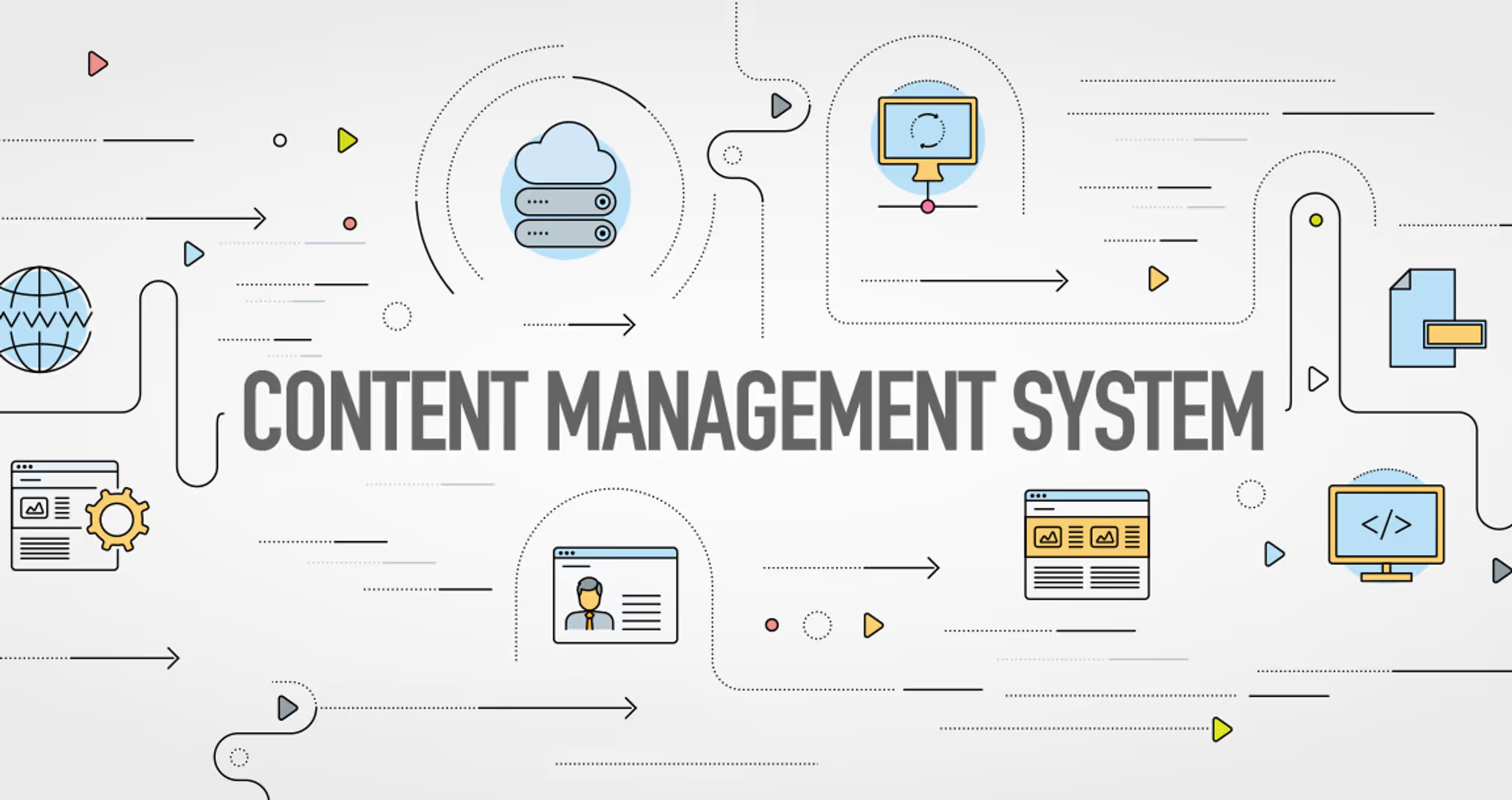
CMS Systems
In today’s digital world, websites are the foundation of online presence for businesses, organizations, and individuals. But building and managing a website from scratch using only code can be time-consuming and technically demanding. That’s where a Content Management System (CMS) comes in.
A CMS makes it possible to create, manage, and update website content without needing advanced programming skills. Whether you’re running a blog, a corporate website, or an online store, understanding what CMS systems are—and which ones are most popular—can help you choose the right platform for your needs.
What Is a CMS?
A Content Management System (CMS) is software that allows users to create, edit, organize, and publish digital content—usually for websites—without having to write code manually.
Instead of building web pages using HTML, CSS, and JavaScript, a CMS provides a visual interface or dashboard. From there, users can:
-
Add and edit text
-
Upload images and videos
-
Create new pages or blog posts
-
Manage menus and navigation
-
Install themes and plugins
-
Control user permissions
In simple terms, a CMS separates content from design and technical infrastructure, making website management accessible to non-developers.
How a CMS Works
Most CMS platforms consist of two main components:
-
Content Management Application (CMA)
This is the user interface where content is created and managed. It allows you to write posts, upload images, and configure settings without touching code. -
Content Delivery Application (CDA)
This is the backend system that stores content in a database and delivers it to users when they visit the website.
Together, these components allow websites to be dynamic, meaning content can be updated without rebuilding the entire site.
Types of CMS Platforms
CMS platforms generally fall into three categories:
1. Open-Source CMS
These systems are free to use and customizable. Users manage hosting, security, and maintenance themselves.
2. Hosted (SaaS) CMS
These platforms are subscription-based and include hosting, security, and support. They’re often easier to use but offer less technical control.
3. Headless CMS
These separate the content backend from the frontend design. Content is delivered via APIs, making them flexible for multi-platform use (web, mobile apps, IoT devices).
Most Popular CMS Systems
Below are some of the most widely used and recognized CMS platforms today.
WordPress
WordPress is the most popular CMS in the world, powering over 40% of websites globally. It is open-source and highly customizable.
Key Features:
-
Thousands of themes and plugins
-
Strong blogging capabilities
-
Flexible for small to enterprise-level sites
-
Large developer community
-
SEO-friendly structure
Best For:
Blogs, business websites, portfolios, membership sites, and even e-commerce (via WooCommerce).
Pros:
-
Extremely flexible
-
Large ecosystem of extensions
-
Scalable
Cons:
-
Requires regular updates and maintenance
-
Can become slow if overloaded with plugins
Shopify
Shopify is a hosted CMS specifically designed for e-commerce websites.
Key Features:
-
Built-in product management
-
Secure payment processing
-
Inventory and shipping tools
-
Mobile-responsive themes
Best For:
Online stores selling physical or digital products.
Pros:
-
Easy to use
-
Hosting and security included
-
Excellent e-commerce tools
Cons:
-
Monthly subscription fees
-
Less design flexibility compared to open-source CMS options
Webflow
Webflow combines visual design tools with CMS functionality, allowing users to create custom websites without heavy coding.
Key Features:
-
Visual drag-and-drop design interface
-
Built-in CMS for dynamic content
-
Clean code output
-
Hosting included
Best For:
Design-focused businesses, agencies, and creatives.
Pros:
-
Strong design control
-
No need for plugins for basic CMS features
-
Hosting and security included
Cons:
-
Learning curve for beginners
-
Can be more expensive at scale
Wix
Wix is a beginner-friendly, hosted CMS platform with drag-and-drop functionality.
Key Features:
-
Pre-designed templates
-
Built-in hosting
-
App marketplace
-
Simple editor
Best For:
Small businesses, freelancers, and beginners.
Pros:
-
Easy to use
-
All-in-one solution
-
No technical knowledge required
Cons:
-
Limited customization compared to WordPress
-
Less scalable for large businesses
Joomla
Joomla is an open-source CMS known for its flexibility and strong user management capabilities.
Key Features:
-
Advanced user permissions
-
Multilingual support
-
Extension ecosystem
Best For:
Community sites, membership platforms, and medium-sized businesses.
Pros:
-
More built-in features than WordPress
-
Flexible structure
Cons:
-
Smaller community than WordPress
-
Slightly steeper learning curve
Drupal
Drupal is a powerful open-source CMS often used for large and complex websites.
Key Features:
-
Highly customizable
-
Strong security
-
Advanced content structure
Best For:
Enterprise-level websites, government sites, and complex web applications.
Pros:
-
Highly secure
-
Extremely flexible
-
Scalable
Cons:
-
Requires technical expertise
-
More complex to manage
Choosing the Right CMS
Selecting the right CMS depends on several factors:
-
Purpose of the website (blog, store, portfolio, corporate site)
-
Budget (free open-source vs subscription-based)
-
Technical skill level
-
Scalability requirements
-
Customization needs
For example:
-
If you need maximum flexibility and control, WordPress may be ideal.
-
If you’re focused solely on selling products online, Shopify may be the better choice.
-
If you want design freedom without coding, Webflow is a strong option.
Unique Strengths and Trade-offs
A CMS system simplifies website management, making it possible for businesses and individuals to control their online presence without deep technical knowledge. Whether open-source or hosted, each CMS offers unique strengths and trade-offs.
WordPress dominates due to flexibility and scale. Shopify leads in e-commerce simplicity. Webflow shines in design customization. Wix offers beginner-friendly tools. Joomla and Drupal cater to more complex or enterprise-level needs.
Understanding what a CMS is—and how the most popular platforms compare—allows you to choose a system that aligns with your goals, resources, and long-term digital strategy.
